&geometry(115x98) "Loyal I.T Solutions")

15 Questions Every Business Owner Should Ask Before Buying a Computer
 "15 Questions Every Business Owner Should Ask Before Buying a Computer")
The real cost of a computer isn’t what you pay upfront.
It’s about how productive you are with client communication, quoting, invoicing, reporting, and running your industry software. Almost everything flows through your computer.
The real cost of a computer can be how much the wrong or out-of-date computer is costing you. Will purchasing a new computer make up for itself in productivity?
And how about buying the computer that costs that bit more? Paying $1,000 more for the right business computer, when spread over three years, even if we take into account that it is not used for employee holidays, public holidays, and personal leave, comes to $7.57 per week.
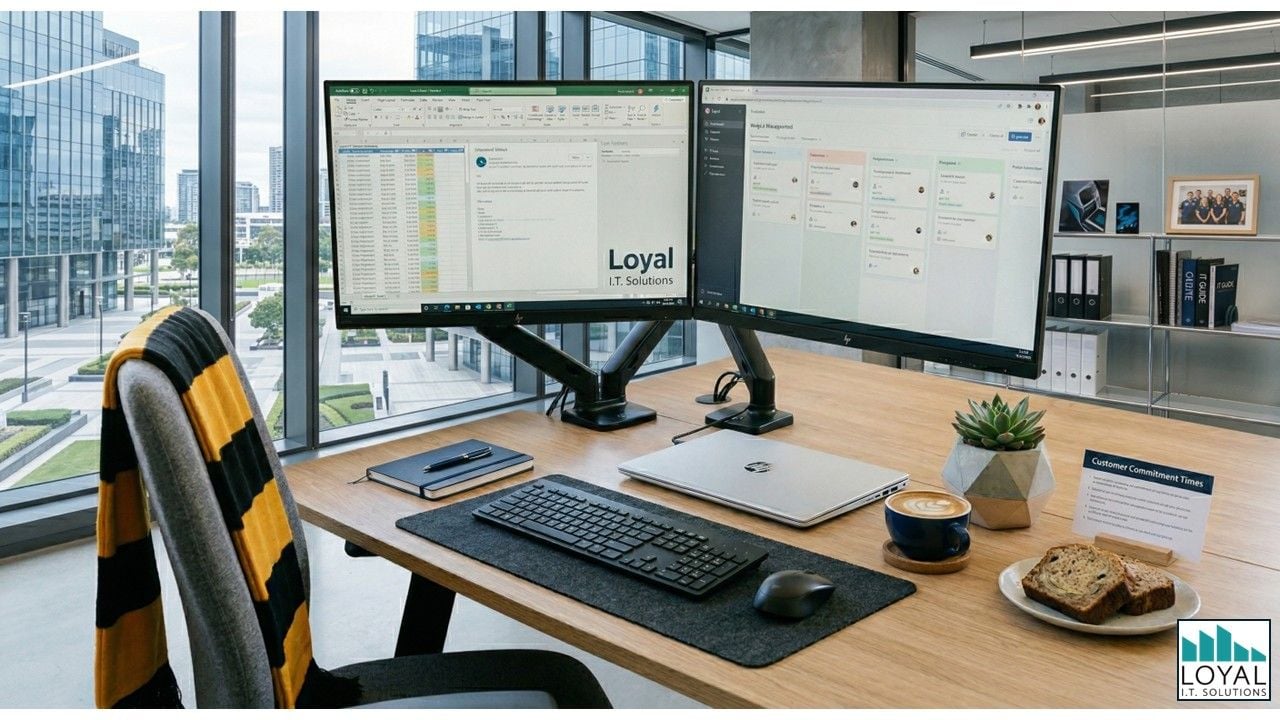
That’s less than a coffee and banana bread per week. And when you consider the potential tax deductibility of the computer, the cost is substantially lower.
The real question is: will purchasing the right computer for my needs help me make more money than the extra cost each week? Will the total cost of a new computer pay for itself compared to the cost of using my current computer?
Your computer purchase is a business decision, influenced by the technology you choose to use.
The computer you choose directly impacts how productive you and your team are, how smoothly your systems run, and ultimately, how profitable the business becomes.
Here are 15 questions to consider when choosing your next computer.
1. Compatibility with your systems
Will this computer run all my current software reliably, and support any future tools I may adopt?
2. Portability vs desktop
Do I need the flexibility of a laptop, or would a desktop setup better suit how I work?
3. Display & ergonomics
Is this setup comfortable to use for long periods, and will it support my productivity rather than hinder it?
4. Reliability / build quality
Am I choosing a business-grade machine that is built to last, or a cheaper option that may fail sooner?
5. Warranty & support
How long is the warranty? If something goes wrong, how quickly can I get back up and running, and who actually supports me?
6. Backup & cloud strategy
How is my data being backed up, and what happens if this computer fails tomorrow?
7. Security features
Does this computer have the right level of security to protect my business and client data?
8. Connectivity & ports
Will this computer easily connect to all my devices, screens, and accessories without needing workarounds?
9. Battery life (if laptop)
If I’m working on the go, will the battery comfortably last through my working day?
10. Processor (CPU)
What level of processing power do I need based on the programs I use and how I work day-to-day?
11. RAM (memory)
How much memory do I need to run my usual applications smoothly, especially when multitasking?
12. Storage type & size
How much storage do I realistically need, and am I choosing a fast, reliable SSD over older technology?
13. Upgradeability
Can this computer grow with my business, or will I need to replace it sooner than expected?
14. Standardisation
Would standardising devices make support, training, and management easier?
15. Total cost of ownership (TCO)
What will this computer really cost me over 3–5 years, including productivity, downtime, and replacement?
By working through these 15 questions, you can make a confident decision and ensure your next computer supports productivity, reliability, and long-term value for your business.
We Are Here To Help
At Loyal I.T. Solutions, we help Central Coast businesses review their current systems and determine the right computers for their needs.
For personalised advice or more information, contact us on 02 4337 0700 or email reception@loyalit.com.au
 "Michael Goodwin") Author:Michael Goodwin
Author:Michael Goodwin| Tags:ITComputer hardwareSecurityWindowsNewsServicesComputer MaintenanceNetworking SecurityComputer deductionsCyber Security |