&geometry(115x98) "Loyal I.T Solutions")

Say Goodbye to Passwords: An Introduction to Passkeys
 "Say Goodbye to Passwords: An Introduction to Passkeys")
Say Goodbye to Passwords: Understanding the Shift to Passkeys
Passwords and authenticators have protected our online accounts for years, but the technology world is shifting towards a much simpler and safer standard known as a passkey. If you have been hearing this term lately and feeling a little unsure about what it means, you are not alone. We have put together this introduction to explain exactly what passkeys are, how they work alongside your other security tools, and how they will make your daily login routine much easier.
The Pair of Keys, Explained
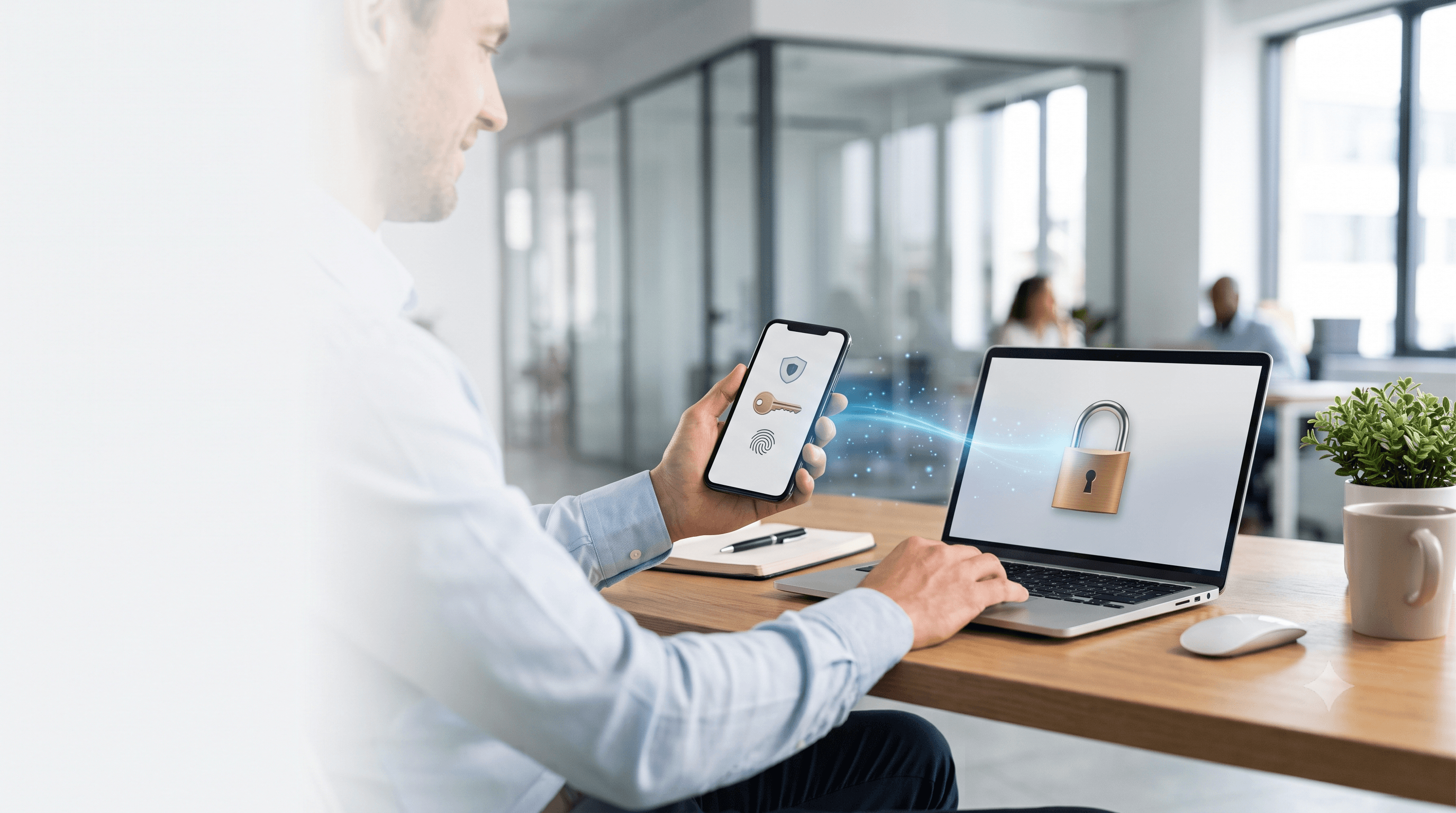
A passkey is a highly secure digital token that replaces your traditional password. It is made up of two distinct digital parts, known as a cryptographic key pair. The Public Key is given to the website or app you want to log into, a bit like a unique padlock. The Private Key is stored permanently and safely on your device, and it is the only key that can open that specific padlock. When you log in, the website presents its challenge, and your device uses its private key to unlock it and sign a digital approval to let you in.
It helps to think about how you use tap and go at a shop. When you use your face or PIN at the checkout, that action simply unlocks your phone. Once unlocked, your phone and the physical EFTPOS terminal have a private, encrypted conversation to authorise the payment. Passkeys work in a similar way. Your face or PIN unlocks your device, and then your device and the website you are logging into have a secure, encrypted conversation. Your private key never travels across the internet, so the website only ever receives the encrypted confirmation that you have the right key.
Why Passkeys Are Far More Secure
Passkeys are far more secure because the private key is locked inside a special hardware security module on your device. If a cybercriminal hacks into a website's server, they can only steal the public keys, which are completely useless without the private key stored on your phone or computer. Because the private key never leaves your device, malicious software cannot extract or copy it either.
Even if a hacker manages to infiltrate your computer with a virus or malware, they still cannot steal your passkeys. This is one of the biggest advantages passkeys have over traditional passwords, which can easily be recorded by keystroke logging malware as you type them. The private key is never saved as a simple text file. Instead, it sits locked deep inside a secure vault built directly into your device's hardware, and even with full control of your computer, a hacker cannot copy, export, or extract it. It is a bit like having your bank card locked inside your phone for tap and go payments. A thief might steal the phone, but without your face or PIN to unlock it, they cannot make a payment, and in the same way, a hacker cannot use a stolen passkey without your physical biometric approval.
Staying Protected Beyond the Login
If a hacker is inside your computer, they could still access your saved files, read your emails, or monitor your screen, which is exactly why you still need an endpoint protection tool acting as the security guard inside the building, actively hunting down and stopping hackers before they can do any damage.
It is also worth separating phishing from malware. Passkeys stop the theft of credentials through phishing. If you click a fake link in an email that takes you to a website pretending to be your bank, a passkey will not work there. It checks the hidden web address, realises it is a fake, and refuses to hand over the encrypted signature, whereas a password can easily be typed into that fake site and stolen. A passkey does not, however, stop malware. If a link silently downloads a malicious programme to your computer, that virus could still take over your email and send spam to your contacts. This is exactly why we are moving our clients to SentinelOne, an advanced endpoint protection tool that acts as a highly trained security guard inside your computer, actively watching for malware and suspicious behaviour while your passkey locks the front door.
Passkeys Across Your Devices
Passkeys are designed to travel with you. For businesses that rely on Microsoft 365, the best practice is to use the Microsoft Authenticator app on your smartphone. This app stores your passkeys securely and lets you log in smoothly, whether you are typing on your office computer, your laptop, or your mobile phone. There are a few other passkey apps we recommend as well, so talk to us to determine which one best suits your needs.
If you have already created a passkey directly on your computer using Windows Hello, that passkey is usually tied specifically to that physical machine. You can still view, search, and delete these keys directly from your Windows Settings app, though transitioning to a system like Microsoft Authenticator helps you manage your logins safely across all your work devices.
One of the best features of a passkey is that it keeps working even without mobile phone reception, such as when travelling in remote areas or working from a cruise ship. You still need an internet connection to load the website you want to visit, but you do not need reception to receive a text message login code, because the passkey lives right there on your device.
Making the Switch
Changing how we log in can feel like a big shift, but passkeys are designed to make your day to day work simpler and significantly safer. If you would like a hand setting them up for your team, or want to chat about moving to SentinelOne for stronger endpoint protection, please reach out to the office at reception@loyalit.com.au or 02 4337 0700. We are always happy to help.
 "Michael Goodwin") Author:Michael Goodwin
Author:Michael Goodwin| Tags:ITSecurityWindowsServicesIT ConsultingCyber SecurityAICopilotsentinelmicrosoft 365passkeyspasswordsphishing |